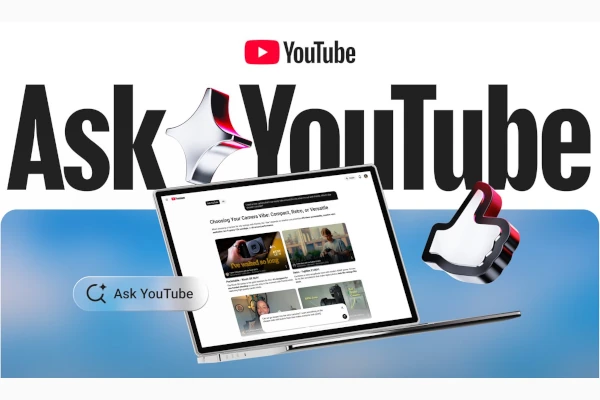
Ask YouTube, Image/YouTube
Looking for the most relevant online video in the fastest way? Ask YouTube is a relatively new conversational search experience to help you find the most pertinent videos. Previously, the search tool was first rolled out at Google I/O for web and TVs. Now the tool is available for mobile devices also.
The search tool uses Gemini Omni AI tools to refine the video search experience:
With Ask YouTube, you can ask more complex search queries, such as wanting tips on how to teach your kid to ride a bike, or finding creator reviews of cozy games to play before bedtime. You can even ask follow-up questions to continue refining what you’re looking for.
The conversational search tool essentially gathers “the most relevant videos across all of YouTube’s catalogue — including long-form videos and Shorts — and provide an interactive, structured response.”
The conversational search tool can be used for various tasks. They include asking complex queries, refining with follow up questions, and obtaining results in an interactive way.
Watch page interaction will also be available for the search tool:
Earlier this year, we added the feature to TVs, and viewers will soon be able to use Ask YouTube directly from the watch page while watching Shorts and live streams, receiving instant context as the action unfolds.